



Paper Records Are Only Useful If People Can Find Them
Paper records are only useful if people can find the information inside them. That’s why many organisations are switching to searchable digital records to make accessing important data quicker and easier.
That sounds obvious, but it is where many scanning projects go wrong. A business clears the filing cabinets, scans the boxes and gets the paper out of the way. On the surface, that feels like progress.
But if the scanned files are badly named, poorly organised or not searchable, the problem has not really gone away. It has just moved from a cupboard into a folder.
Good document scanning should do more than create digital copies. It should create searchable digital records that people can find, use and manage without wasting time.
For growing SMEs, that matters. When staff are constantly looking for old files, asking one person where something is, or opening five different PDFs to find the right page, the business loses time every week.
The real problem is not always the paper
Paper is easy to blame because it is visible.
Boxes take up space. Filing cabinets get full. Archive rooms become awkward. Old records sit in folders that only certain people understand.
But the deeper issue is often retrieval.
Can the team find the document when they need it?
Can they search by client, date, reference, invoice number, case name or record type?
Can they tell which file is the right one?
Can they use the digital version without having to ask around?
If the answer is no, scanning alone will only solve part of the problem.
The real goal is not just “less paper”. The goal is easier access to the information the business still needs.
What are searchable digital records?
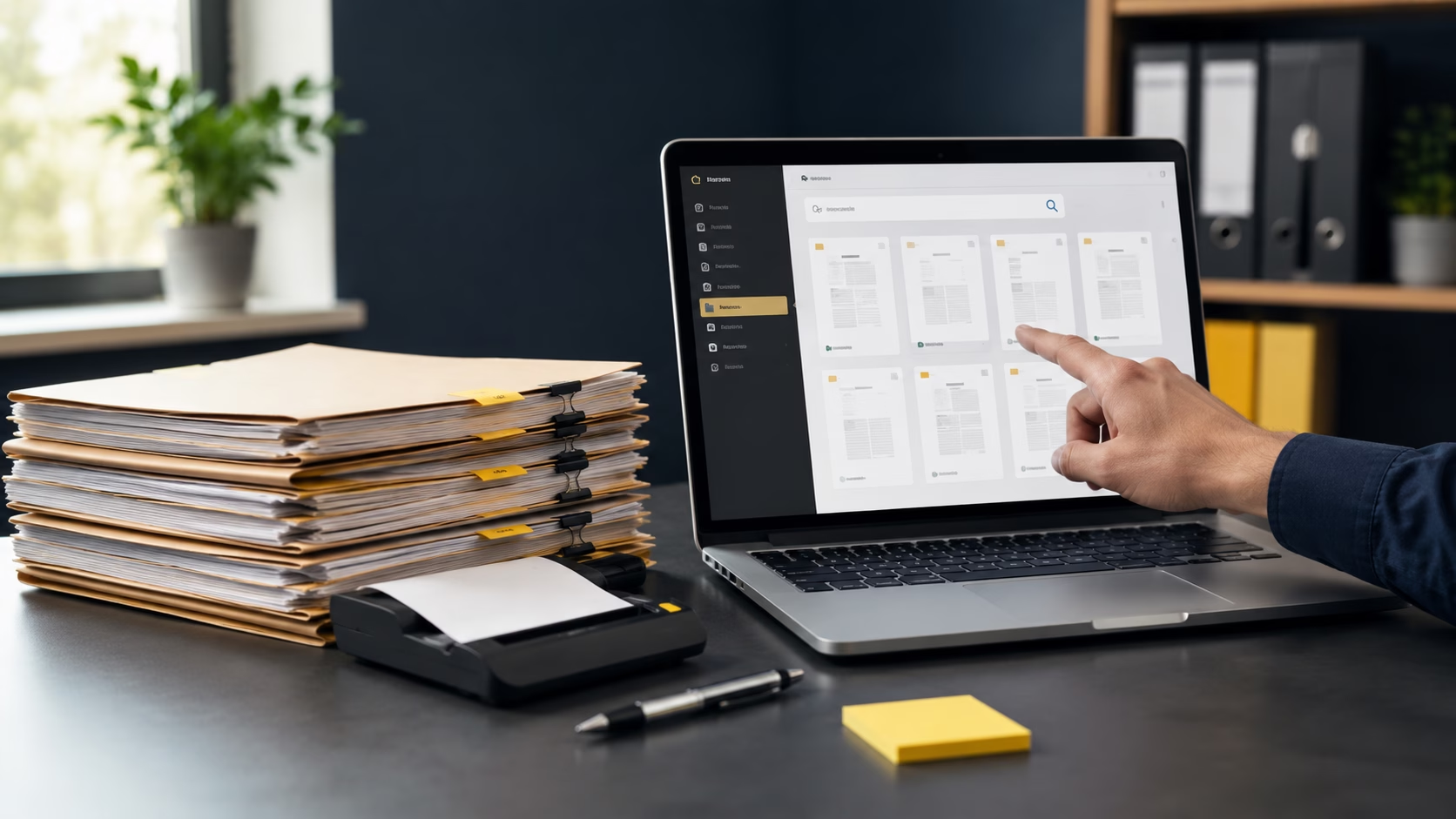
Searchable digital records are scanned documents that have been converted, named and organised so the information inside them is easier to find.
That usually means a combination of:
OCR scanning, so text inside the scanned document can be searched.
Clear file naming, so documents make sense before they are opened.
Indexing, so files can be organised by useful details such as name, date, reference, client, department or document type.
Folder structure, so files are grouped in a way people understand.
Consistent output, so the same type of record is handled the same way each time.
This is the difference between a folder full of scanned PDFs and a useful digital archive.
A scanned file called scan_004578.pdf may technically be digital, but it is not helpful. A file named by client, year, record type or reference is far easier to work with.
Why OCR scanning matters
OCR stands for Optical Character Recognition. In simple terms, OCR scanning allows text inside a scanned document to become searchable.
Without OCR, a scanned document may behave more like a photograph. You can look at it, but you may not be able to search the text inside it.
That becomes a problem when someone needs to find one record among hundreds or thousands of pages.
For example, a team member may need to search for:
a client name
an invoice number
a policy reference
a matter number
a supplier name
a date range
a project reference
a property address
a signed form
a specific phrase inside a file
Without OCR, they may need to open files manually and check them one by one. With OCR, the search becomes much faster.
OCR is especially useful for archive scanning, invoice scanning, client records, case files, HR files, compliance records and any documents that may need to be retrieved later.
Why indexing matters
OCR helps people search inside documents. Indexing helps people find and sort documents before they even open them.
Indexed documents are organised using useful information attached to the file or folder structure. This might include client name, document type, year, reference number, department or retention category.
The right indexing depends on how the business actually uses the records.
A legal firm may need matter number, client name and file type.
An accountancy firm may need client name, tax year and record type.
A property business may need property address, tenant name, lease date or project reference.
A clinic or lab may need patient, sample, test, date or record category, depending on the process and compliance requirements.
Indexing should not be overcomplicated. Too many fields can slow the project down and add unnecessary cost. But too little structure can make the finished archive frustrating to use.
A good scanning project finds the right balance.
Bad scanning creates digital clutter
The danger with scanning is that it can feel complete before it is actually useful.
The boxes are gone. The files are digital. The office has more space.
But then someone needs to find an old record.
They open a folder with hundreds of PDFs. The files have unclear names. Some are searchable, some are not. The folder structure does not match how the team works. Nobody is sure where new digital records should go. The same questions start again.
That is how physical clutter becomes digital clutter.
The business may have paid to remove the paper, but staff are still losing time finding information.
This is why document scanning should be planned around retrieval, not just conversion.
What to decide before scanning paper records
Before sending boxes away to be scanned, it is worth asking a few practical questions.
- What will people need to search for later?
- Will they search by name, date, client, reference, department or document type?
- Do the files need OCR?
- How should the files be named?
- Should the documents be indexed?
- Where will the scanned files be delivered?
- Who needs access to them?
- Are there records that can be securely destroyed rather than scanned?
- Are there retention rules to consider?
- Does the business need a simple folder structure or something more controlled?
These questions do not need to turn the project into a huge exercise. They simply stop the business paying for scanning that does not solve the retrieval problem. Before scanning paper records, it is worth checking your retention rules so you only scan, store or securely destroy records in a way that suits your obligations.
A simple example
Imagine an office has 80 boxes of old client files.
The basic approach is to scan the boxes and return a set of PDFs.
That may be enough if the files are rarely used and only need to be kept as digital copies.
But if the team needs to retrieve records regularly, a better approach may include:
- Scanning each file separately
- OCR so the document text is searchable
- File names based on client name and year
- Indexing by record type
- Folders organised by client or department
- Secure digital delivery
- Secure shredding of paper after approval
The second version is more useful because it thinks beyond the scan. It thinks about the person who has to find the record later.
That person may be an administrator, office manager, finance lead, partner, compliance lead or manager trying to answer a client query quickly.
What you should look for in a scanning quote
A strong scanning quote should not only mention price per page.
It should explain how the finished files will be made usable.
Look for clear answers on:
- Collection and handling
- Document preparation
- Scanning quality/Resolution
- OCR scanning
- File naming
- Indexing
- Folder structure
- Digital delivery
- Quality checks
- Secure shredding if required
- Timescales
- Assumptions and exclusions
If the quote only says “scanning” but does not explain the output, ask for more detail.
The cheapest quote may not be the best value if the finished files are difficult to search, retrieve or trust.
Why this matters to the business
For admins teams, searchable scanned files mean fewer frustrating searches, fewer interruptions and less time spent hunting through old records.
For office managers, indexed documents and a clear digital structure mean the archive is easier to manage. She can answer internal questions more quickly and reduce the amount of knowledge held in one person’s head.
For business owners/leaders, the commercial value is control. Staff spend less time searching. The business has better access to information. Records are easier to manage as the company grows. Paper removal becomes more than a space-saving exercise.
This is where scanning becomes more valuable.
It is not just about clearing paper. It is about making information easier to find, use and control.
When basic scanning is enough
Not every project needs heavy indexing or complex document control.
Basic scanning may be enough when:
the records are rarely used
the purpose is mainly space clearance
retrieval needs are very simple
the files can be grouped by box or batch
there is no ongoing process around the records
the business only needs a digital copy for reference
That is fine. A good scanning provider should not overcomplicate a simple job.
But where records need to be searched, retrieved, shared, checked or evidenced, the structure matters.
The better question to ask
Instead of asking only, “How much will it cost to scan these boxes?” ask:
“How will people find the information afterwards?”
That one question changes the quality of the project.
It helps define whether you need OCR, indexing, structured file naming, folder design or a more controlled way of storing the finished records.
It also helps avoid paying for a digital archive that still causes searching, chasing and confusion.
Need searchable digital records?
DocR helps businesses scan paper records and turn them into structured, searchable digital files that are easier to find, use and manage.
If you have archive boxes, paper files, old records or documents that need scanning, we can help you decide the right level of OCR, indexing, file naming and digital delivery for the way your team will actually use them.
Ask for a structured document scanning quote and we will help you turn paper records into searchable digital records, not just scanned files.