


Document Scanning Services: What a Growing SME Should Check Before Choosing a Provider
Choosing document scanning services can look simple at first.
You have paper files, archive boxes, client records, invoices, forms or old folders taking up space. You want them scanned, saved digitally and made easier to manage.
That part is straightforward with document scanning services. The bigger question is this:
Will the scanned documents actually be useful afterwards?
For a growing SME, document scanning services are not just about removing paper. It is about making information easier to find, use, share, protect and control. If that part is missed, you can end up with the same problem in a different format.
Instead of shelves full of paper, you have digital folders full of poorly named PDFs.
That is why choosing the right scanning provider matters.
Why growing SMEs look for document scanning services
Most businesses do not wake up one day and decide to scan documents for no reason. There is usually a trigger.
Common reasons include:
- archive boxes taking up office space
- staff wasting time looking for old files
- an office move or clear-out
- paper client records becoming hard to manage
- audit, compliance or retention pressure
- too much depending on one person knowing where things are
- a need to access records remotely
- paper files being passed around, copied or chased
The visible issue is paper. The deeper issue is usually access, control and time.
If staff are constantly asking where documents are, waiting for files, checking old records manually or relying on someone’s memory, the business is losing capacity every week. Good document scanning services should reduce that.
1. Check whether the provider understands the purpose of the scan
Before choosing a provider, be clear about why the documents are being scanned.
There is a big difference between:
- scanning paper to clear space
- scanning files so they can be searched
- scanning records for compliance or audit support
- scanning invoices for finance access
- scanning client files so staff can retrieve them quickly
- scanning old archives before secure destruction
A good document scanning services provider should ask what the scanned documents need to do afterwards.
For example, if the goal is only to create a digital copy, basic PDF scanning may be enough. If staff need to search inside documents, you will probably need OCR. If records need to be found by client, year, department or file type, indexing and naming structure matter.
The scan should fit the business need, not just the paper volume.
2. Check how your documents will be collected and handled
Security matters when paper records leave your premises.
Ask how the provider handles collection, transport, storage, scanning and return or destruction.
Useful questions include:
- How are documents collected?
- Are boxes tracked?
- Who has access to the records?
- Where are the documents scanned?
- What happens after the document scanning services?
- Can files be returned or securely shredded?
- Is there a clear chain of custody?
- How are confidential records protected?
This is especially important for accountancy firms, legal practices, healthcare organisations, financial services firms, HR teams, property businesses and any company handling sensitive records.
You do not need an overcomplicated process. You do need a controlled one.
3. Check whether OCR is included or optional in document scanning services
OCR stands for Optical Character Recognition. In plain English, it helps turn scanned images into searchable digital documents.
Without OCR, a scanned file may look like a document, but behave more like a photograph. Staff may need to open files one by one and read through them manually.
With OCR, users can search for words, names, references, invoice numbers or other text within the document, depending on the quality of the original and how the scan is set up.
For a growing SME, this can make a big difference.
If the whole point is to save time finding information, OCR should be discussed early.
Ask:
- Will the files be searchable?
- Is OCR included in the quote?
- How accurate is OCR likely to be on our records?
- Does handwriting affect the result?
- Can OCR be applied to archive files, invoices, client records or correspondence?
OCR is not magic. Poor originals, handwriting, faded text or unusual layouts can affect results. But for many business records, it is one of the most useful parts of a scanning project.
4. Check the file naming and folder structure
This is where many secure document scanning projects go wrong.
The documents are scanned, but the digital output, often searchable PDF’s, is hard to use.
For example:
- files are named too vaguely
- folders are not organised by client, year or department
- document types are mixed together
- no one knows which file is the right one
- staff still need to open multiple PDFs to find what they need
Before document scanning starts, agree how the digital files should be named and structured.
This could include:
- client name
- account number
- date or year
- department
- document type
- invoice number
- project reference
- box number
- retention category
The right structure depends on how your team will search for the information later.
A simple rule: organise the files around how people actually need to find them.
5. Check whether indexing is needed
Indexing means capturing key information about each file so it can be organised and retrieved more easily.
For example, a scanned client file might be indexed by client name, client number and year. An invoice batch might be indexed by supplier, invoice number and date.
Not every document scanning job needs detailed indexing. But if your team needs to retrieve records quickly, indexing can be valuable.
Ask the provider:
- What information can be captured during scanning?
- Can documents be indexed by client, date, file type or reference?
- Is indexing manual, automated or a mixture?
- How will the index be delivered? (simple Searchable PDF or Imported into your cloud-based document management system)
- Can the index support search and retrieval later?
If the records are rarely accessed, basic folder organisation may be enough. If they are used regularly, indexing may save far more time than it costs.
6. Check the scan quality and output format
Document Scanning Services should create digital files that are clear, usable and fit for purpose.
Ask about:
- black and white, greyscale or colour scanning
- single-sided or double-sided scanning
- PDF, searchable PDF or other formats
- resolution and image quality
- handling of staples, bindings or damaged files
- large format documents, if relevant
- quality checking
- sample scans before the full project begins
A sample scan is useful before committing to a larger project. It helps confirm the output quality, file size, naming structure and searchability.
This is especially important if the records are old, mixed, fragile, handwritten or inconsistent.
7. Check what preparation is required in document scanning services
Document scanning is not just placing paper into a scanner.
Files may need to be prepared first. That can include:
- removing staples
- separating documents
- unfolding pages
- repairing torn sheets
- sorting mixed files
- removing duplicates where agreed
- separating files by type or department
- keeping original order where required
Preparation affects cost, timing and accuracy.
Before choosing a provider, ask what preparation is included and what your team needs to do before collection.
This avoids surprises later.
8. Check how secure shredding or return will work after the document scanning services
Once documents are scanned, you need to decide what happens to the paper originals.
Some records may need to be returned. Others may be securely shredded after approval. Some may need to be retained for legal, regulatory or internal policy reasons.
Ask:
- Can documents be returned after scanning?
- Can they be securely shredded?
- Is shredding certified?
- Is there a holding period before destruction?
- Who approves destruction?
- Can selected boxes be returned and others shredded?
Do not destroy paper records until you are confident the scanned output is complete, usable and approved.
A sensible process is scan, check, approve, then destroy where appropriate.
9. Check whether the provider can support wider document control
For some SMEs, scanning is the whole requirement.
For others, scanning reveals a bigger issue.
The business may also have:
- shared drive problems
- inconsistent folder structures
- hard-to-find digital documents
- unclear access permissions
- version confusion
- weak retention rules
- too much depending on one person
- approvals still happening by email
In that case, scanning is only step one.
This does not mean you need a huge software project. It may simply mean better structure, clearer naming, controlled access, searchable PDFs and a practical retrieval process.
The right provider should be able to have that conversation without forcing unnecessary complexity.
10. Check whether the quote is clear
The cheapest scanning quote is not always the safest choice.
A good quote should make clear what is included and what is not.
Check for:
- collection costs
- preparation costs
- document scanning cost
- OCR cost
- indexing cost
- file naming and folder structure
- return or shredding
- storage or holding time
- large format or specialist items
- expected timescales
- assumptions and exclusions
If one provider is much cheaper than another, check whether the same service is actually being quoted.
A low price may exclude preparation, OCR, indexing or secure disposal. Those are often the parts that make the project work properly.
11. Check whether the provider asks sensible questions
A good scanning provider should not just ask, “How many boxes?”
They should also want to understand:
- What types of records are these?
- How often do you need to retrieve them?
- Who needs access to them?
- How do staff search for them now?
- Are there retention or compliance requirements?
- Do files need OCR?
- How should the digital folders be structured?
- Are the records going into an existing system?
- What happens to the paper after scanning?
Those questions protect the result.
They also help prevent a common mistake: scanning paper quickly, but leaving the business with digital files that are difficult to use.
12. Check whether the result will make work easier
This is the final and most important test.
After the scanning project, will the team be able to find what they need faster?
Will staff stop interrupting one person to locate records?
Will archive space reduce?
Will the digital files be easier to manage?
Will the business have better control over important information?
If the answer is yes, the project has worked.
If the answer is no, the paper may be gone, but the information problem remains.
Choosing document scanning services for your SME
For a growing SME, document scanning services should do more than create digital copies.
The right project should help your team:
- reduce paper storage
- find documents faster
- access records more easily
- improve control
- reduce unnecessary chasing
- support audit and compliance needs
- make better use of office space
- avoid relying on one person’s memory
Scanning removes the paper. Better structure, search and control make the information useful.
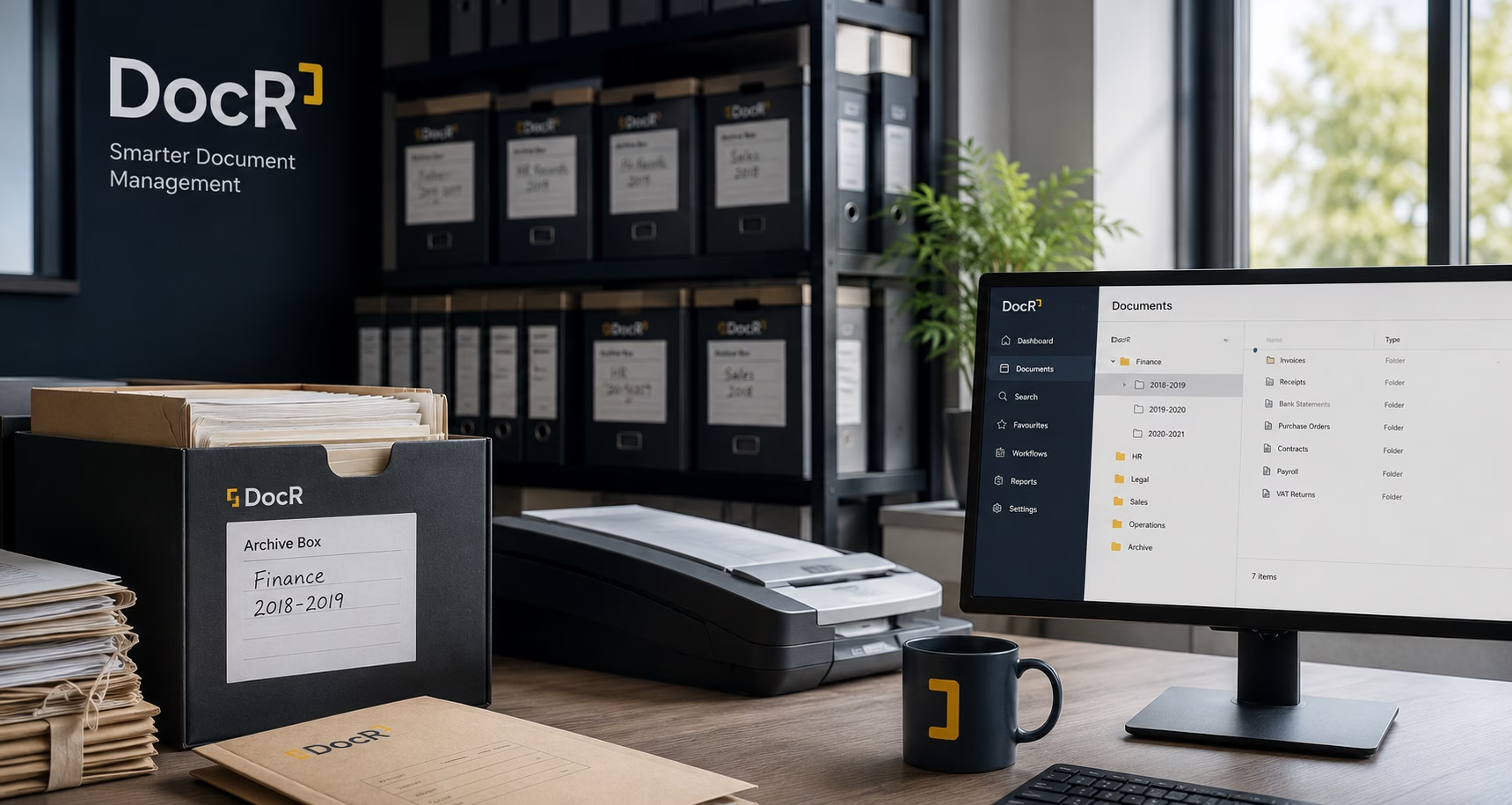
DocR helps growing SMEs scan paper records securely and turn them into searchable, organised digital files that are easier to find, use and manage.
If your business has archive boxes, paper client files, old records or office documents that need scanning services, DocR can help you work out the best route before you spend money on the wrong setup.
Need a quote for document scanning services?
Contact us at docr.co.uk to discuss your records, archive boxes or scanning project.