




How go Paper-Light in 30 in 30 days in 2026
New year, new workflow. Start the year strong: reduce office paper & go paper-light in 30 days with simple steps to cut costs, reclaim space and secure files, without slowing your team.
In just a month you can go paper-light in 30 days, clear cabinets, cut printing, and find any file in under 30 seconds, without changing how your team naturally works. This guide gives you a human, step-by-step plan that fits January’s energy and sets you up for the rest of the year.
Three things start today
- One home for files: DocLibrary+ or Therefore™ as the single source of information and documents.
- Links, not attachments: Share expiring links with permissions instead of copies.
- Scan active files first: Capture today’s paperwork now; legacy boxes can follow.
Pick your path
- 7-Day Sprint (small teams): Do Days 1–5 and Days 15–16; schedule the rest for February.
- 30-Day Standard (most teams): Follow the plan below, swapping days if needed.
- Compliance-First Track: Use the same plan but prioritise retention and audit steps in Weeks 2 & 4.
What “paper-lite” really means
Paper-light doesn’t mean never printing. It means digital by default: capture at source, store the definitive record in a secure, searchable repository, and only keep paper when law or contract demands it. You’ll still meet UK retention rules, yet lose the clutter, cost and delay.
Ground rules that make it work
- Short naming rule: Client/Supplier – Date (YYYY-MM-DD) – Type – Brief Description.
- Simple labels: Public, Internal, Confidential, Highly Confidential.
- Retention by default: Apply automatic retention to folders and workspaces.
- Device safety: MFA for all users; downloads only on trusted devices; web-view for BYOD.
- Visible wins: Measure and share progress weekly (prints, space cleared, time-to-find).
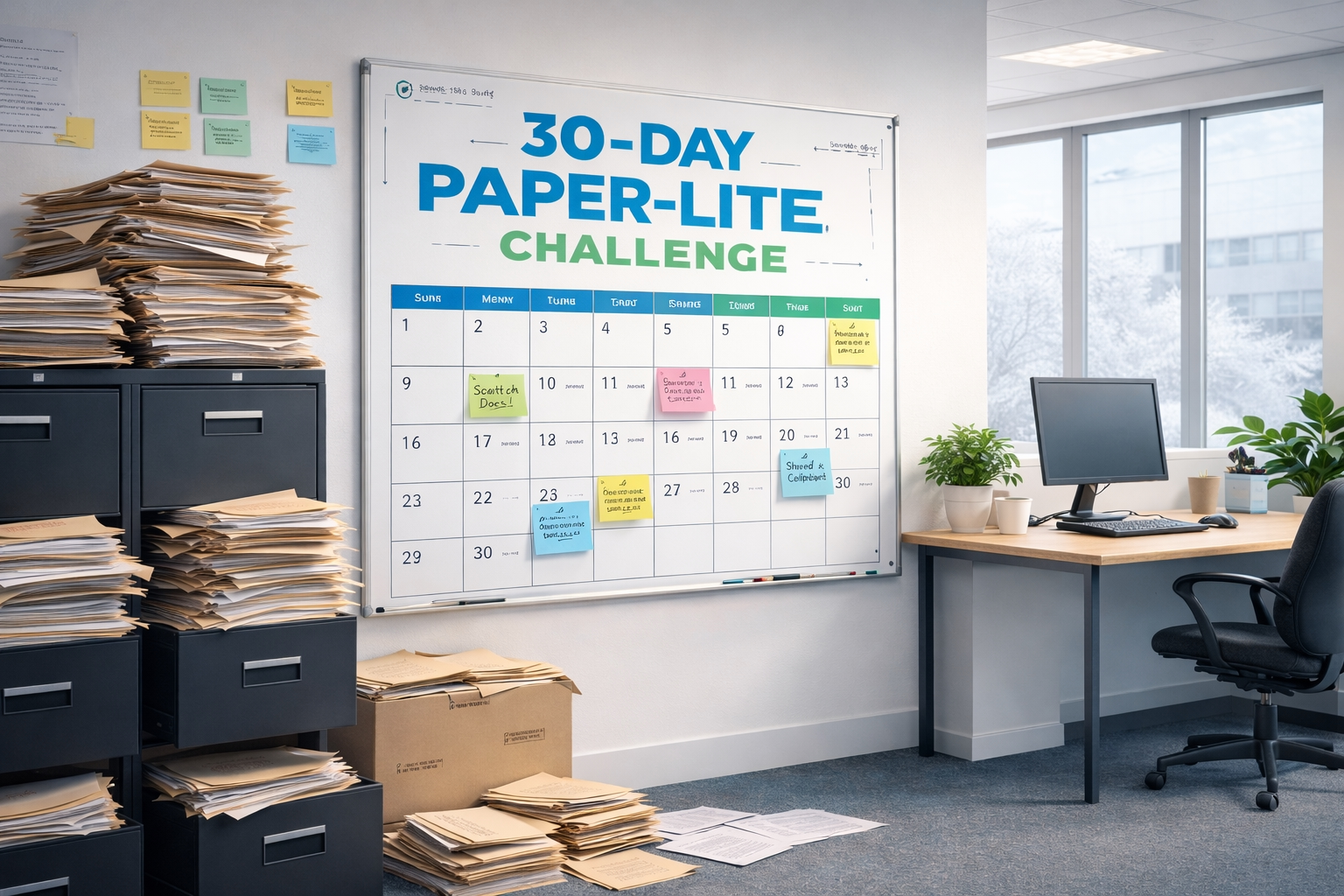
Your 30-day plan (Week by week)
Week 1 – Quick wins & visible progress (Days 1-7)
- Day 1: Announce the challenge, goal and ground rules. Nominate champions.
- Day 2: Set print defaults: duplex, black-and-white, and prompt users under 5 pages to share a link instead.
- Day 3: Add “Scan to Repository” buttons on every MFD; test with invoices and HR docs.
- Day 4: Publish the naming rule and a 60-second how-to video.
- Day 5: Move meeting packs to digital with expiring links and view-only for confidential items.
- Day 6: Empty the worst cabinet. Box expired files for shredding; flag active items to scan.
- Day 7: Share before/after photos plus a stat: prints this week vs last.
Week 2 – Fix the busiest processes (Days 8–14)
- Day 8: Map two high-volume flows (e.g., supplier invoices, client onboarding).
- Day 9: Design the “to-be”: digital intake → metadata → approval → storage.
- Day 10: Build workspaces with templates and pre-filled metadata.
- Day 11: Run a 15-minute demo: scan to the right folder and share via link.
- Day 12: Turn on a friendly Outlook/Teams nudge when someone tries to attach a file.
- Day 13: Apply retention (e.g., invoices 6 years + current; HR per policy).
- Day 14: Stand-up: remove one friction point immediately.
Week 3 – Secure sharing & mobile capture (Days 15–21)
- Day 15: Enforce MFA for staff and guests.
- Day 16: Watermarks + view-only for sensitive external shares.
- Day 17: Conditional access: downloads on compliant devices; web-view for others.
- Day 18: Deploy secure mobile capture for site visits/receipts; block camera-roll saves.
- Day 19: Migrate live project folders to the repository; set old shares read-only.
- Day 20: Replace board/HR paper packs with version-controlled digital sets; use e-sign where appropriate.
- Day 21: Mini-audit: expire stale guest links; run an access report.
Week 4 – Tidy up, measure & lock in habits (Days 22–30)
- Day 22: Empty two more cabinets; scan actives; shred duplicates; store must-keep originals off-site for a defined period.
- Day 23: Decommission “shadow” stores (desktops/personal clouds) with an assisted migration hour.
- Day 24: Publish “Find anything in 3 clicks” (saved searches and filters).
- Day 25: Disposal day: record destruction certificates for items at end-of-life.
- Day 26: Add a “Where to save” banner in Teams/SharePoint to steer users.
- Day 27: Capture the playbook: 2 pages covering intake, naming, sharing and retention.
- Day 28: Set quarterly reminders for access reviews and disposals.
- Day 29: Present results: space reclaimed, prints reduced, time-to-find, attachment rate.
- Day 30: Celebrate champions and choose the next workflow to digitise.
Micro case study
An Essex based accountancy firm (18 staff) cleared three cabinets in two weeks, cut printing by 41%, and reduced time-to-find to under 30 seconds. Their only changes? Links instead of attachments, a four-line naming rule, and a 15-minute scan-to-workflow demo.
Quick calculator: your cabinet cost
(Cabinet footprint m² × office space cost/m²/yr) + (mins/week finding files × hourly cost × 52) + off-site storage & shredding.
Even one cupboard usually exceeds £1,000/year, before you price the risk.
For more on costs of paper storage, check out our blog post ‘The Hidden Cost of Paper Storage in Your Office‘
How to measure success
Track four simple metrics weekly:
- Print pages vs baseline.
- Time-to-find (target: <30 seconds).
- Space reclaimed (cabinets emptied; m² returned).
- Attachment rate (decline as links replace copies)
Common Pitfalls (and easy fixes)
- Too many labels: Four levels are enough.
- Skipping metadata: A few fields (Client/Supplier, Date, Type) make search work.
- Letting email win: Make “Share link” the easiest button; show a gentle warning for attachments.
- Forgetting retention: If you don’t set it now, cupboards refill later.
Why DocR’s approach works
We blend scanning strategy, repository design and secure sharing into one coherent, human-friendly plan. We automate the boring parts, keep choices simple and set clear guardrails so your team can focus on work, not filing. As a result, adoption rises quickly and savings appear early. With the UK Government encouraging us all into a digital world (check out this link to find more), we all need to have this in our vision going in to 2026.
Ready to start your 30-day transformation?
Book DocR’s Free Space & Efficiency Health Check. In one focused session, we’ll map your highest-impact processes, estimate space savings and give you a tailored 30-day rollout you can start tomorrow.